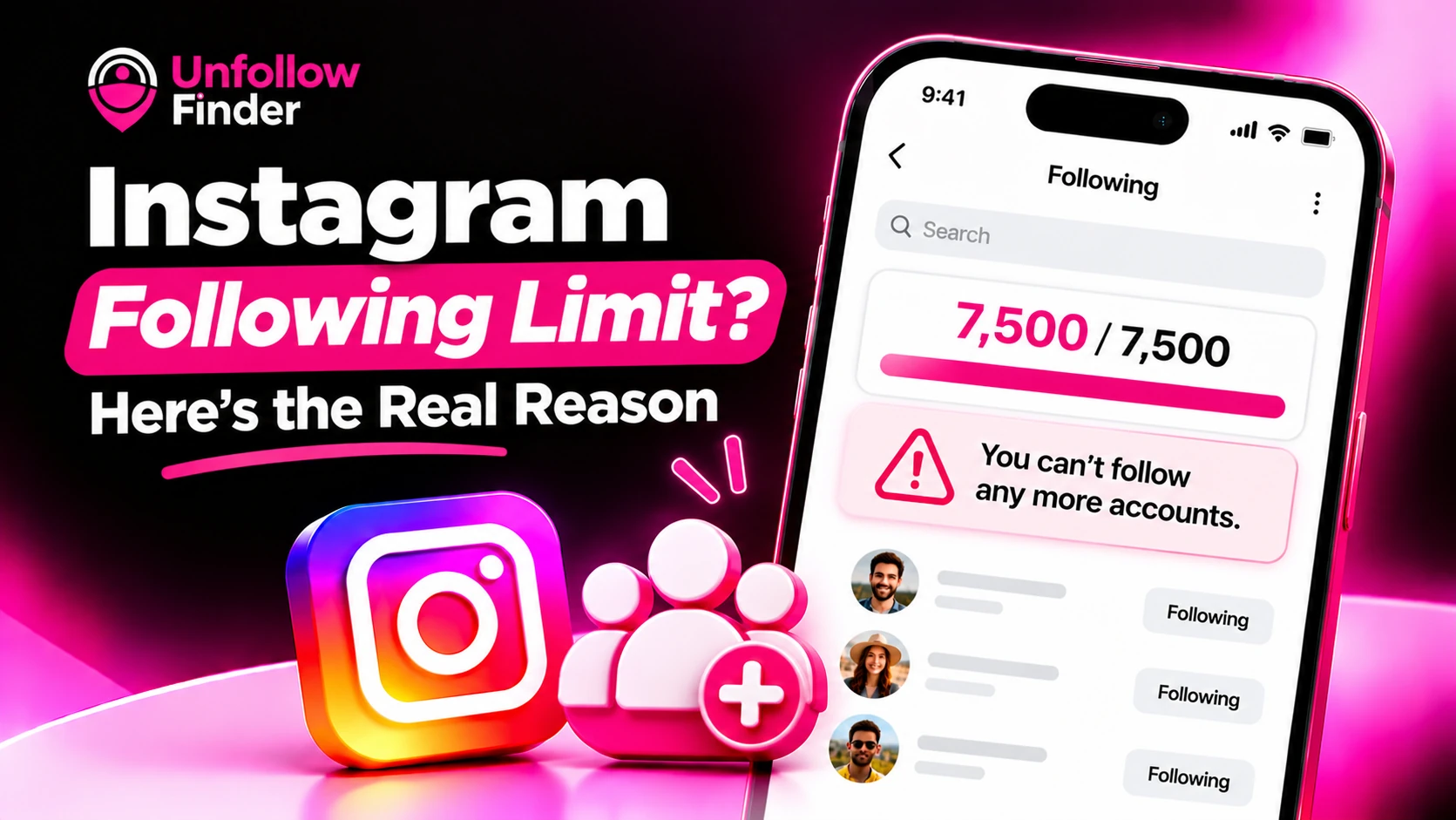
You open a profile, tap "Follow," and nothing happens. Alternatively, a message appears informing you that you can no longer follow any more people. This is generally due to the following limit imposed by Instagram; it is a separate issue from the one concerning the daily rate of unfollowing, which is addressed in Daily Unfollow Limit on Instagram.
What the following limit is
Instagram limits the total number of accounts that a profile can follow at any one time. This figure, widely discussed for years, is 7,500 accounts. Instagram's help pages do not always explicitly state this number, so it should be viewed as a generally accepted limit rather than an immutable rule. Once this cap is reached, you must unfollow some accounts before you can follow new ones.
This limit applies to the total number of accounts in your "Following" list. It has no connection to the number of followers you have. A creator with 200 followers and 7,500 accounts followed faces the exact same constraint as a creator with 200,000 followers.
Why Instagram has a cap
The primary purpose of this limit is to discourage spam and the practice of following large numbers of other accounts. Users who follow thousands of strangers in the hope of gaining followers in return are a frequent source of low-quality activity. Establishing a strict cap helps to contain this type of behavior. It also ensures that the flow of follows remains manageable for typical users.
Following limit vs action block
People often mix these up, so it helps to separate them:
- Following limit: a fixed ceiling on your total Following count. It does not go away with time. You solve it by unfollowing.
- Action block: a temporary restriction on actions such as following, liking or commenting, usually triggered by moving too fast. It tends to clear on its own after a waiting period.
A quick test: if your Following count is far below the ceiling and you still get blocked, you are probably dealing with an action block. If your count is at or near the ceiling, it is the cap.
Signs you have hit the limit
- Your Following number is close to 7,500.
- The Follow button fails or shows a message about reaching the limit.
- The problem happens on every profile, not just one.
- Waiting a day does not change anything.
If only one account fails, that person may have blocked you, or their account may be unavailable. See User Not Found on Instagram for how to tell the difference.
How to free up space without getting blocked
The goal is to remove the right accounts, not random ones. A careful cleanup looks like this:
- Start with accounts that do not follow you back. These are the easiest to justify removing. See How to See Who Doesn't Follow You Back.
- Look at accounts that no longer post. Dormant profiles take up space without adding value. See How to Find Inactive Accounts You Follow.
- Remove accounts that no longer match your interests. Be honest about what your feed is for.
- Unfollow in small batches. Spread the work over several days so you do not trigger a separate action block.
- Keep a short list of must-keep accounts, such as friends, clients and collaborators, so you never remove them by accident.
If you cannot decide about an account, muting it is a gentler option. A muted account stays in your Following count, so muting does not free any space, but it can reduce clutter while you decide.
Plan your cleanup before you touch the app
The slowest way to sort through your connections is to go through thousands of profiles, one by one. A more efficient approach is to first create a list and then take action accordingly. Export your data, retrieve the followers_1.json and following.json files, and compare them. The Unfollow Finder tool performs this process directly in your browser, identifying accounts that you follow but that do not follow you back. You do not need to enter a password or log in. If you need help obtaining these files, see How to download your Instagram data.
Once you have your list, divide the accounts into three categories: those you want to unfollow immediately, those to review later, and those you wish to keep. Then, address the first category over the course of several days.
How to stay under the limit long term
- Review your Following list once a month instead of once a year.
- Follow with a purpose. Ask whether you would miss this account's posts.
- Avoid bulk-follow routines, which burn through your allowance quickly.
- Treat follow-backs as a choice, not an obligation. See Should You Follow Everyone Back?
Upload your two export files to Unfollow Finder, with no login and no password.