
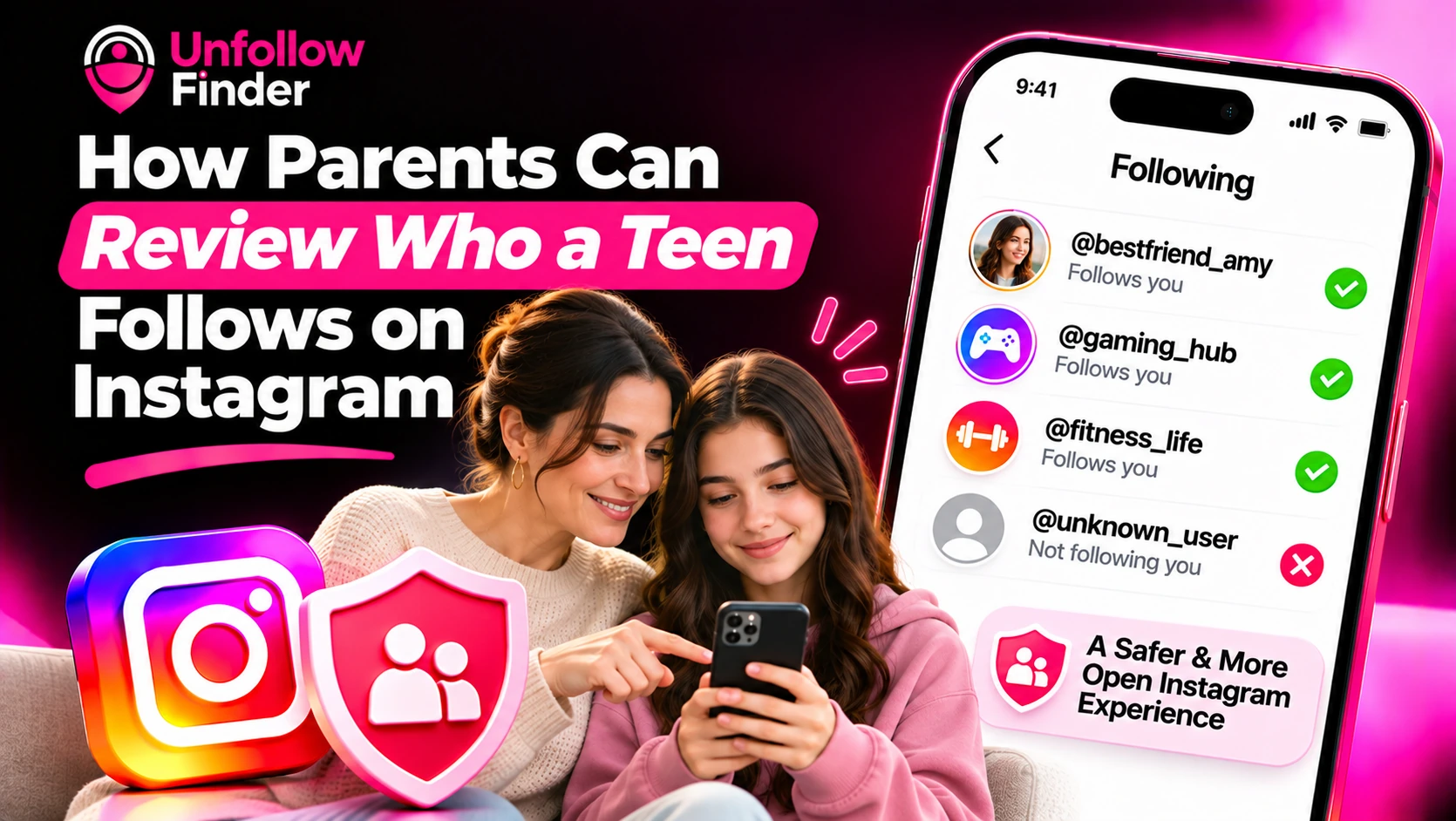
Parents often ask the same question: how can I find out who my child follows on Instagram, and who follows them back? The best approach involves a combination of the right tools and open, appropriate dialogue. This guide focuses on safety and supervision. If you simply want to check whether a specific person follows your child, that is a different matter, which is addressed in How to Know if Someone Follows You on Instagram.
Start with the tools Instagram provides
Instagram offers supervision features designed for teenagers and their parents. When a parent and a teenager agree to link their accounts, the parent can view certain information about the teenager's activity, including the accounts the teenager follows and those that follow them. These tools also allow parents to set time limits and access safety-related information.
As specific features, age-related policies, and menu labels are subject to change, we recommend consulting Instagram's current help pages and the "Family Center" section within the app before getting started. In general:
- Supervision usually needs the teen's agreement or a formal invitation from the parent.
- The teen can see that they are being supervised.
- Parents can see lists, but not the private content of direct messages.
Accounts for younger teens often come with stricter default privacy settings, such as a private profile and limits on who can contact them. These defaults can also change, so confirm them in the app.
Why transparency works better than secret monitoring
Secretly watching a teen's account can backfire. If a teen discovers it, trust can suffer, and they may move to another account you do not know about. Supervision that your teen knows about, and ideally helped set up, is usually more effective and kinder.
Before you check any list, ask yourself:
- What exactly am I worried about?
- Have I told my teen what I will look at and why?
- What will I do if I find something concerning?
How to set up supervision together
- Have a calm conversation first. Explain that this is about safety, not punishment.
- Create or confirm your own Instagram account, since parents generally need one to link.
- Open the supervision or Family Center option in the app's settings.
- Send an invitation to your teen's account and ask them to accept it.
- Review the settings together, including what you can and cannot see.
- Agree on a check-in schedule, such as a short chat once a month.
What to look for in the Following and Followers lists
You do not need to check every name. Look for patterns that might indicate risk:
- Adult strangers who have no connection to your teen's school, activities or family
- Accounts with no photo or posts, which can signal fake or throwaway profiles
- Accounts that push links, offers or private chat requests
- Large numbers of recently added accounts from unknown people
- Accounts that claim to be older or in a position of authority but cannot be verified
Most of what your teen follows will be friends, celebrities, creators and hobbies. A strange account is not automatically dangerous, but it is a good reason to talk.
How to have the conversation
How you ask matters as much as what you find.
- Start with curiosity, not accusation. "Who is this? How do you know them?" works better than "Why are you following this person?"
- Remind your teen that they can come to you if someone makes them uncomfortable, and that they will not be in trouble for telling you.
- Explain why privacy settings matter and how to remove or block someone.
- Agree together on simple rules, such as only following people they know or have a reason to follow.
Teach your teen the basics
A teen who knows the tools can protect themselves.
- Keep the account private unless there is a clear reason not to.
- Remove followers they do not know. Removing a follower does not block them and they are not notified; blocking also stops that account from finding the profile or sending a new request.
- Handle follow requests carefully. See Suspicious Follow Requests on a Private Account.
- Never share passwords, codes or personal details in direct messages.
- Report and block anyone who pressures them or makes them uncomfortable.
- Tell a trusted adult if something feels wrong.
A teen-led cleanup
A major monthly cleanup can become a shared routine. If your teenager agrees, they can download their own data and compare their lists of followers and the accounts they follow. The Unfollow Finder tool performs this task directly in your browser using the two exported files; there is no need to share any passwords. It helps identify accounts that your teenager follows but that do not follow them back, a great starting point for a conversation about which of these people they actually know in real life. See How to Download Your Instagram Data for the steps. Do this together and with your teen's consent, and keep the files private.
When to get more help
If you notice signs that an adult is pressuring your teenager or attempting to manipulate them (a practice sometimes referred to as "grooming"), or if someone shares explicit content or makes threats, take the situation very seriously. Take screenshots, report the account to Instagram, and contact local authorities or a child protection agency in your country. Do not attempt to confront the individual yourself.
Your teen can compare their two export files in Unfollow Finder, in their browser, with no login and no password.