A private account allows you to control who can see your posts. The trade-off is that every new follower must be approved by you; the approval screen therefore acts as a gateway. This guide focuses on the follow requests you receive. If you would like to manage the requests you have sent that are still pending, please see Explaining pending follow requests.
Where to find your follow requests
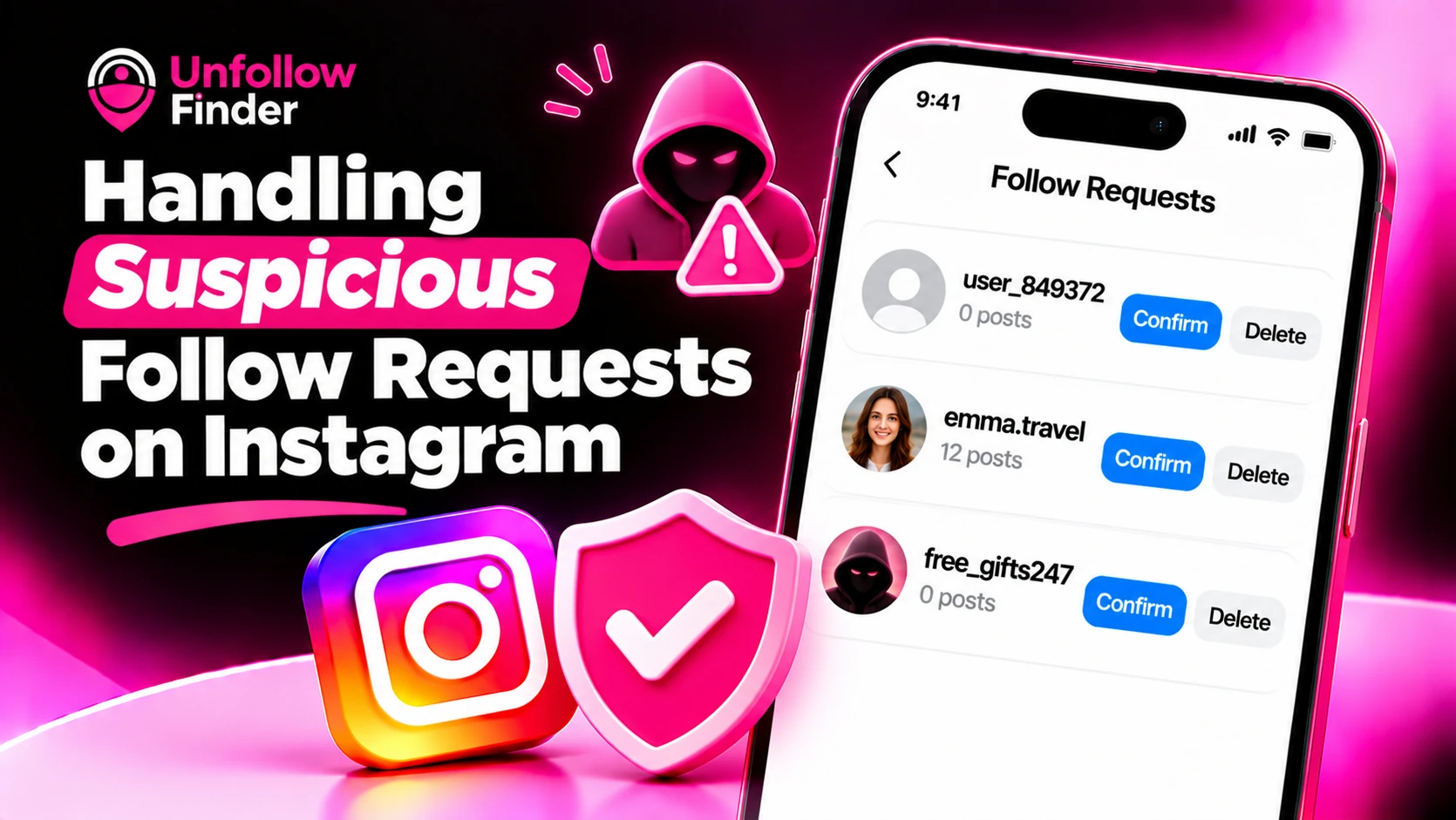
For a private account, new requests appear in your "Activity" tab or notification area, under a section dedicated to follow requests. You can then choose to either confirm or remove each one. While the exact layout may vary depending on the version of the app, the options for each request remain the same: confirm or remove.
Please note that removing a request does not trigger a notification for the person who sent it. They will simply see that their request has not been accepted and may, if they wish, submit a new one.
Signs a follow request is suspicious
No single sign proves an account is fake, but several together usually tell the story:
- No profile photo or a stock-style photo. Real people usually have at least one personal image.
- Zero or very few posts. Newly created accounts used only to follow people are common.
- Very high following, very few followers. Mass-following accounts often look like this.
- A random-looking username. Long strings of numbers or letters, or names that do not match the display name.
- A bio full of links or promotions. Offers, crypto, adult content and "DM me" lines are typical.
- Many mutual followers who also look odd. Bots tend to follow the same clusters.
- Repeated requests after you delete. A real stranger rarely tries again and again.
What to do with each type of request
- Someone you know: confirm it. If the profile looks new, check with them in another channel first, because impersonation accounts copy real people.
- A stranger with a normal-looking profile: you can confirm or delete. If you do not recognise them, deleting is the safe default for a private account.
- An account that looks like a bot or spammer: delete the request. If it keeps coming back, block it.
- An account that is harassing or impersonating someone: block it and report it from the profile menu.
If you are unsure between block and delete: deleting a request only declines it, while blocking also stops the person from finding your profile or sending a new request from that account.
What happens if you confirm a suspicious account by mistake
This is easy to fix. You can remove this person from your followers without blocking them. Once removed, they will no longer be able to see your private posts or stories, and Instagram will not send them any notification. However, they may submit a new request, which you are free to decline.
Review who already follows you
Suspicious requests are only part of the problem. Over time, you may have accepted accounts that you no longer recognize. Periodically reviewing your list of followers can help you identify them. Look for accounts with no posts, those that never interact, or anything that appears to be automated.
Your followers_1.json file contains a list of everyone currently following you. The Unfollow Finder tool compares this against your following.json file directly within your browser, allowing you to quickly see who follows you without you following them back. This refined list is perfect for spotting any automated accounts (bots) that might still be present. No login or password sharing is required. To learn how to obtain these files, see How to download your Instagram data.
Tighten your settings
A private account already blocks most strangers from seeing your content, but a few extra steps reduce unwanted contact:
- Review who can message you and how message requests are handled.
- Limit who can tag or mention you.
- Turn on comment filters so spam words are hidden.
- Keep your profile photo, bio and linked accounts free of details you would not share with a stranger.
Strong privacy habits also mean not reusing the same username across sites and being careful with links in your bio.
Protect yourself from scams that start with a follow request
Some fake accounts follow first and then message with a link, a prize or a job offer. A few rules help:
- Never click links from accounts you do not know.
- Never share a password, verification code or payment details in a direct message.
- Do not accept requests from accounts that claim to be support staff. Official support does not contact you through follow requests.
- Report and block accounts that push you off the app.
Upload your two export files to Unfollow Finder and get the list in your browser, with no login and no password.