Switching to a private account takes only a few moments, but the implications are more far-reaching than one might typically imagine. This guide details what changes, what remains the same, and the steps you should take to declutter your account before making the switch. If you simply want to hide your list of followers, that is a more specific matter, which is covered here: How to hide your follower list on Instagram.
The short answer
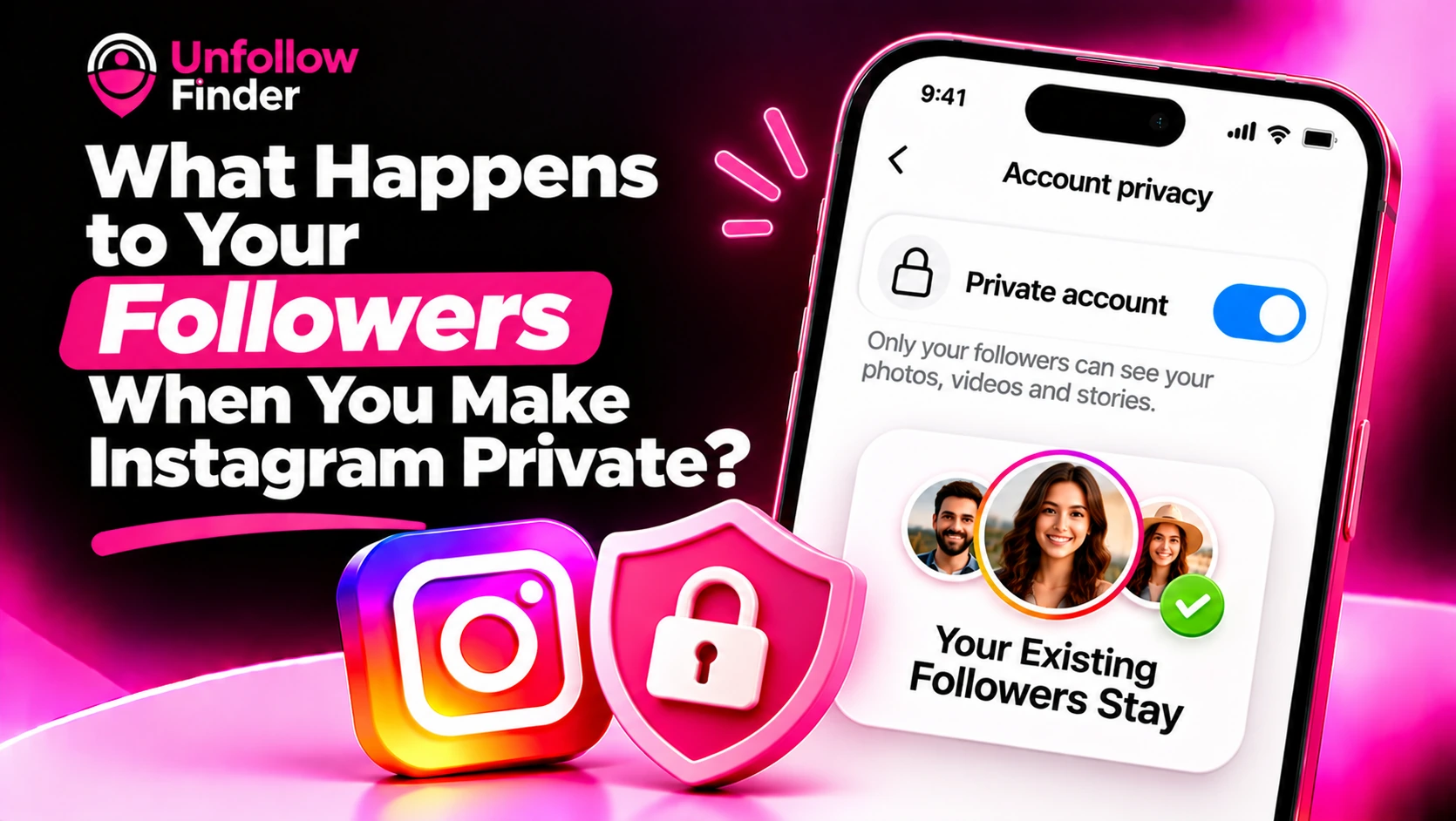
When you switch your account to private mode, your existing followers remain. No one is automatically removed. What changes is who can view your content from that point forward, as well as what happens for people who wish to follow you thereafter.
What changes when your account becomes private
- New followers need your approval. Anyone who taps Follow sends a request that you confirm or delete.
- Your posts, stories and reels become visible to followers only. People who do not follow you can still see your profile photo, name, bio and counts, but not your content.
- Your content stops appearing publicly in discovery. Posts from a private account are not shown to non-followers through hashtags, locations or recommendations.
- Links to your posts stop working for non-followers. If you shared a link earlier, people who do not follow you will not be able to open it.
- Tags work differently. When someone tags you, the tagged post appears on your profile only for your followers, and it follows the privacy of the original poster's account.
Instagram changes its settings over time, so confirm the details in your own privacy settings before relying on any single behaviour.
What stays the same
- Your username, profile photo, name and bio remain visible.
- Your existing followers and their access stay as they were.
- People can still find your profile through search.
- Non-followers may still be able to send you a message request, depending on your messaging settings.
A catch for business and creator accounts
Professional accounts, namely "business" and "creator" accounts, cannot be set to private in the usual way. To make an account private, you generally need to switch back to a personal account. This means you might lose access to professional tools, such as detailed analytics; furthermore, brands that rely on public visibility to be discovered will struggle to operate this way. If your goal is to grow your presence publicly, a private account is generally not the right solution.
Before you switch: clean up your followers
Because everyone who currently follows you keeps access, the moment you go private is the best time to review who has that access. Ask yourself:
- Do I recognise these people?
- Are there accounts that look like bots or spam?
- Are there people I no longer want to see my posts?
You can remove a follower without blocking them. They are not notified, they stop seeing your private content, and they can send a new request that you can decline. Blocking goes further: it also stops the person from finding your profile or sending a new request from that account.
A practical pre-switch checklist
- Download your data so you have a record of your followers and following lists at this point in time. See How to Download Your Instagram Data.
- Compare followers and following. Unfollow Finder reads
followers_1.jsonandfollowing.jsonin your browser and shows you accounts that follow you without you following back, and the reverse. You do not log in or share a password. - Remove accounts you do not want to keep seeing your content.
- Review your tags and mentions so you know what will remain visible.
- Check your messaging settings so you are comfortable with who can contact you.
- Switch to private in your privacy settings and confirm.
Effects on reach and growth
By definition, a private account is intended for a more limited audience. Your content will not be visible to anyone who is not among your followers; therefore, do not expect new users to discover you through hashtags or recommendations. Many people accept this trade-off in exchange for greater privacy. If you are managing a public project, consider creating a separate public account for that project, while keeping a private account for your personal use.
What happens when you switch back to public
When you go public again, your posts become visible to everyone as before. Pending follow requests are usually approved automatically at that point, so it is worth reviewing them before you switch back. Review your request list and delete anything you do not want to turn into a follower. See Suspicious Follow Requests on a Private Account.
Common mistakes
- Assuming private means invisible. Your profile, name, photo and bio can still be found.
- Forgetting old followers. They keep their access until you remove them.
- Not checking tags. A post you are tagged in may stay visible according to someone else's settings.
- Expecting growth. A private account is built for privacy, not reach.
Upload your two export files to Unfollow Finder and compare them in your browser, with no login and no password.