
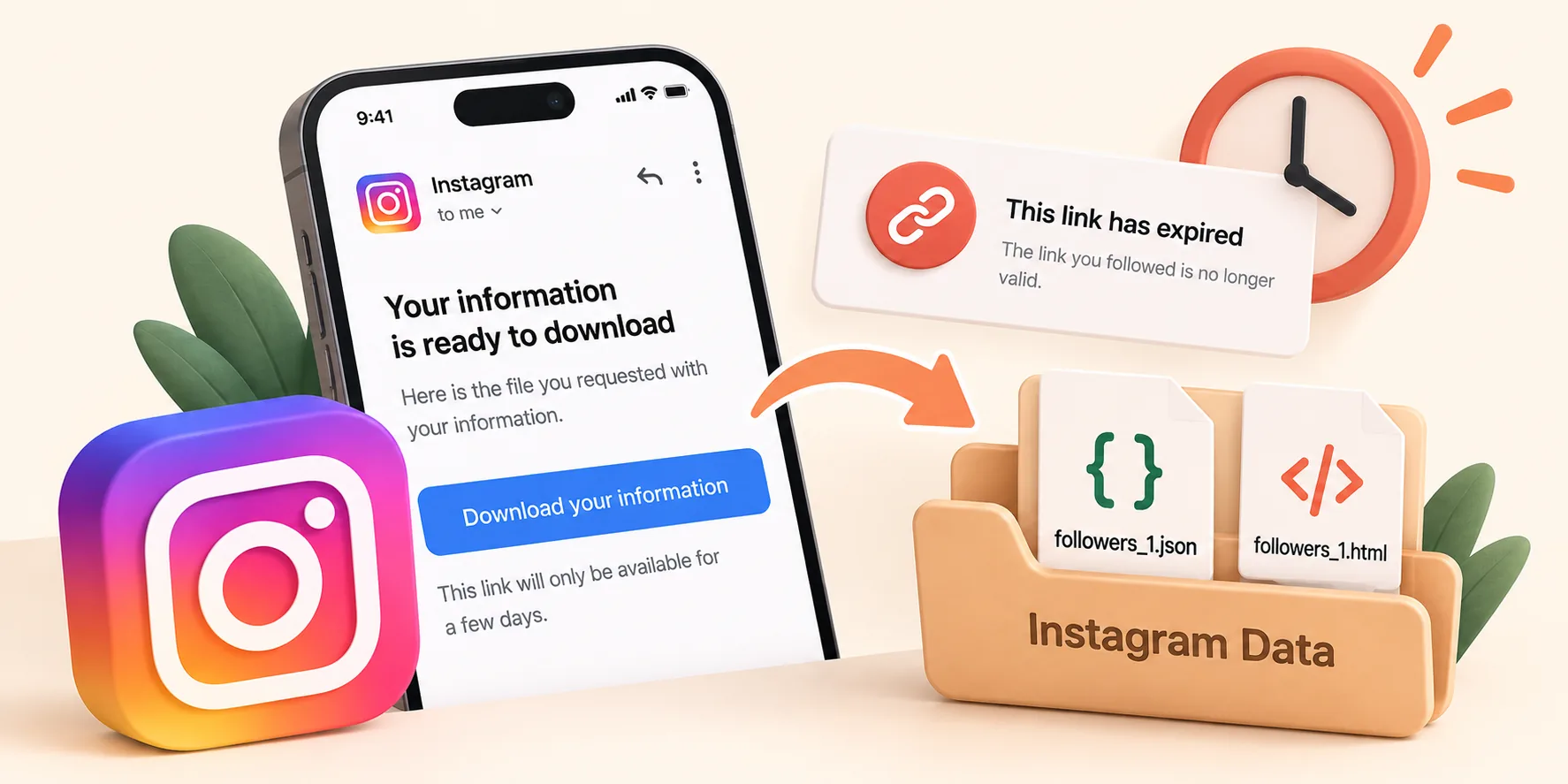
You requested your Instagram data and received the corresponding email, but by the time you clicked the link, it had expired. That's frustrating, certainly, but all is not lost. Your data is still on Instagram, and it will only take a few minutes to get a new link.
How long does the Instagram download link last?
Not for very long. The download is generally available for only about 4 days after Instagram notifies you that it is ready. Once this period has passed, the link stops working and the files are removed from the download screen.
This is a security measure. Since your export contains personal information, Instagram does not keep a copy of it readily available.
How to get a new download link
- Go to Accounts Center → Your information and permissions → Download your information.
- If a "Download" button is still visible for your previous request, use it. Sometimes the files remain available, even if the link you received via email no longer works.
- If that is not the case, submit a new request.
- To speed up the process, select "Some of your information" and check only the "Followers" and "Following" options.
- Choose the "JSON" format and the date range "All time."
A small request like this is often ready within minutes to a few hours. Our step-by-step guide to downloading your Instagram data shows each screen. Make sure you pick JSON, otherwise you will end up with HTML files instead of followers_1.json.
"The link doesn't work" but it hasn't expired?
If the email is recent but the link still does not work, try the following solutions:
- Log in first. The link will only work if you are logged into the same Instagram account in that browser.
- Open the link on a computer. Some phones open links in an in-app browser, which may not support the downloading of ZIP files.
- Download from within the app. On the "Download Your Information" screen, there is a specific download button associated with your request.
- Check the account. If you manage multiple accounts, ensure that the link corresponds to the account you are currently logged into.
How to avoid it next time
- Download the file as soon as you receive the email, even if you cannot view it immediately.
- Save the ZIP file in a secure location, such as your "Downloads" folder or a cloud storage space.
- Keep a copy of each export. Older exports can prove useful later on: comparing two of them allows you to see who has stopped following you in the meantime.
Import followers_1.json and following.json into Unfollow Finder to discover, in just a few seconds, who isn't following you back. It's free, no login is required, and your files remain within your browser.