
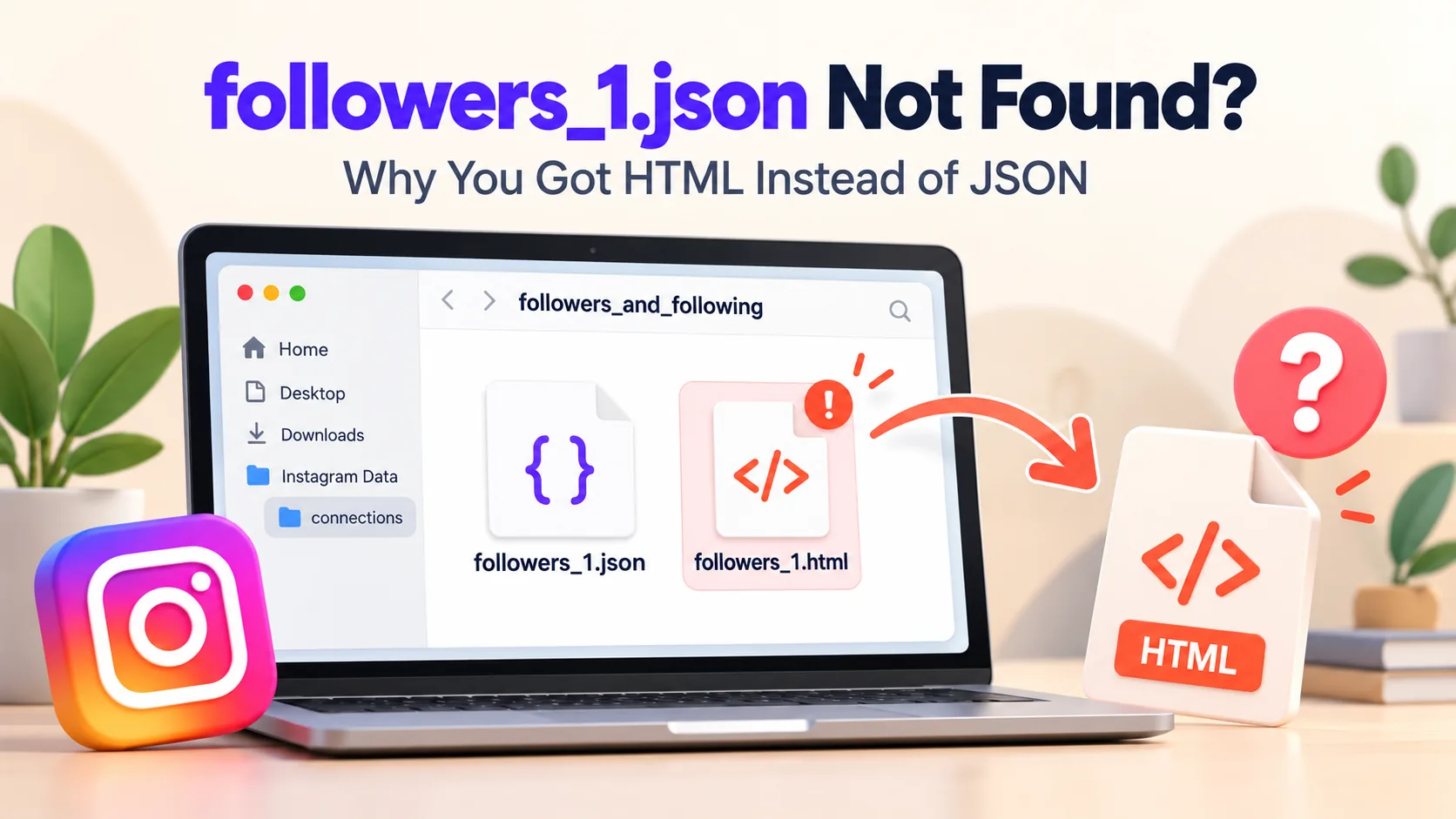
You have finally retrieved your Instagram data and unzipped it, but the file followers_1.json is nowhere to be found. Instead, you see a file named followers_1.html, or perhaps no file related to your followers at all. Don't panic: your data is still there. You simply need to obtain the export in a different format.
Why there's no followers_1.json
There are four common reasons, the first of which accounts for most cases:
- You chose the HTML format instead of JSON. Instagram offers both. The HTML format is designed for viewing in a browser, whereas tools like Unfollow Finder require the JSON format.
- You did not select the "Followers and following" option. If you only selected other categories, the files corresponding to followers and following will not be included.
- The time period selected was too short. A selection such as "Last month" may exclude older followers or even prevent the file from being created.
- You are not looking in the correct folder. The files are located in
followers_and_following; in recent exports, this folder is itself contained within a folder namedconnections.
How to tell which format you have
Look at the file endings inside the followers_and_following folder:
| You see | Format | What to do |
|---|---|---|
| followers_1.json, following.json | JSON | You're ready to go |
| followers_1.html, following.html | HTML | Request the data again in JSON |
| No followers files at all | Missing category | Request again with Followers and following ticked |
If your computer hides file endings, right-click the file and check its type or properties.
The fix: request the data again in JSON
- Go to Accounts Center → Your information and permissions → Download your information.
- Select "Some of your information" and check "Followers and following".
- Set the format to "JSON". This is the step most users forget.
- Set the date range to "From the beginning".
- Submit the request and wait to receive the email.
Our step-by-step guide to downloading your Instagram data walks through every screen.
Can I convert the HTML file to JSON myself?
Technically, yes, but it's not worth the effort. HTML files are designed for display purposes, so manual conversion is slow and prone to errors. Requesting a new export in JSON format takes only a few minutes and ensures you get clean, accurate files.
Only seeing followers_1.json, no followers_2.json?
That's normal. Instagram only splits your followers into followers_2.json, followers_3.json and so on when you have a large number of followers. Here's what's inside these files.
Upload followers_1.json and following.json to Unfollow Finder and see who doesn't follow you back in seconds. Free, no login, and your files stay in your browser.