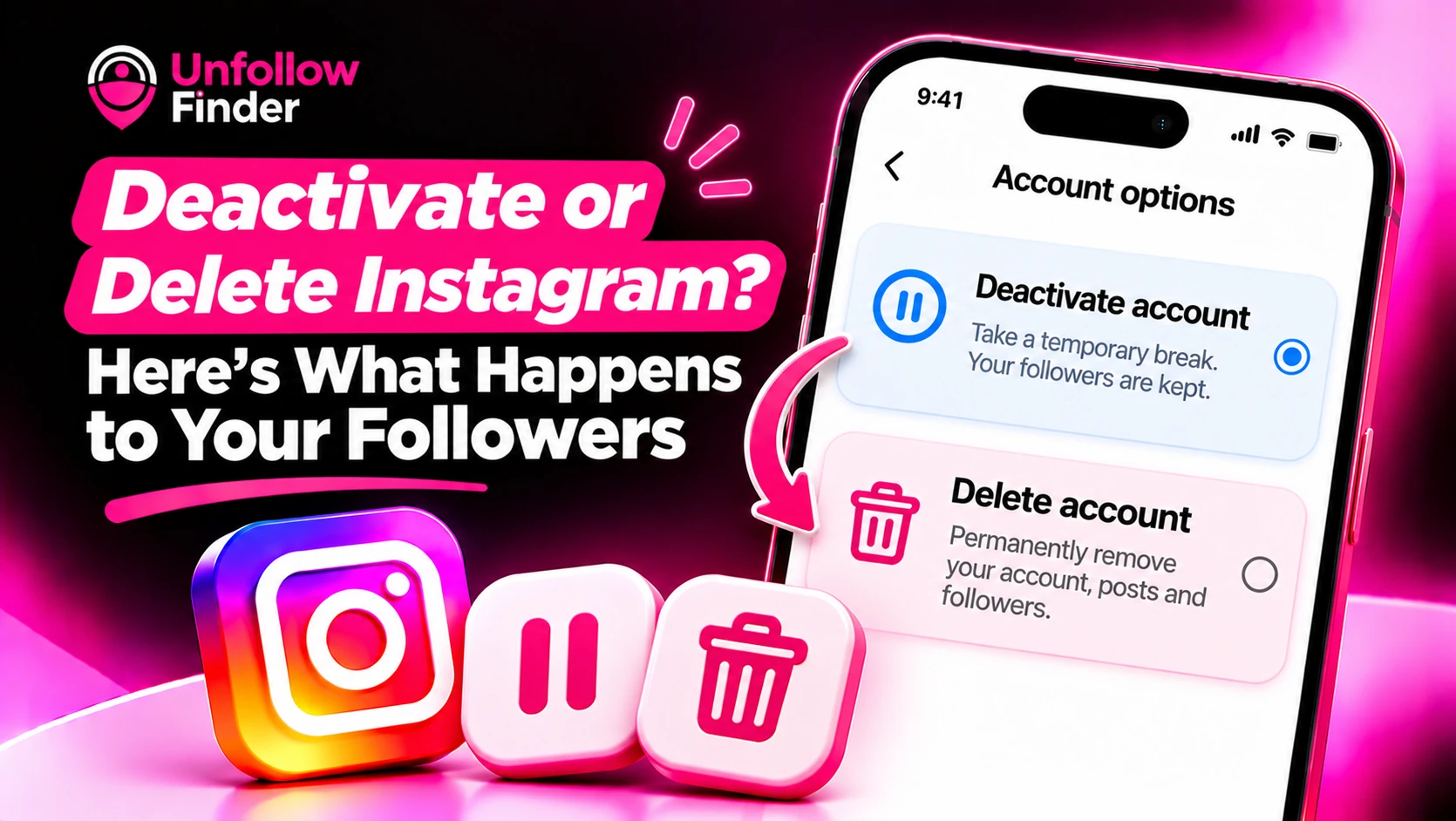
Many people reach a point where they want to take a break from Instagram. The app offers two options, deactivating or deleting, which have very different consequences for your followers. This article explains the distinction from the user's perspective. If you are trying to understand why someone else's profile has disappeared, see User Not Found on Instagram.
The quick comparison
| Deactivate | Delete | |
|---|---|---|
| Reversible | Yes, by logging back in | Only during a short grace period |
| Profile visible to others | No, hidden | No, removed |
| Followers kept | Yes, they return when you reactivate | No, lost for good |
| Username | Held for you | Released after deletion |
| Posts, likes, comments | Hidden until you return | Permanently removed |
Instagram sets its own timings and wording, and they change from time to time, so check the in-app screens before you act.
What deactivation does
Deactivating your account serves as a temporary pause. Your profile, photos, comments, and "likes" are hidden from other users. Your followers are not removed, nor are they notified of your departure. To anyone trying to find you, your profile will simply appear to have vanished; consequently, from an outside perspective, it may look as though you have blocked that person.
When you log back in, your account is reactivated, and you regain access to your content and followers. Your list of followers remains the same as it was before, with the exception of individuals who may have chosen to unfollow you in the meantime, or whose own accounts have undergone changes.
What deletion does
Deletion is intended to be permanent. Instagram states that deleted accounts are scheduled to be erased after a waiting period, during which you can cancel the request by logging back in. Once this period has passed, your photos, videos, comments, likes, and followers are deleted and cannot be recovered. Some copies may remain in backup systems for a certain amount of time, but they are not accessible to you or anyone else.
Since your followers are linked to your account, they disappear along with it. If you later create a new account using the same username, you will be starting from scratch.
Which option fits you
- Choose deactivation if you want a rest, a digital detox, or a pause during exams, work or a personal break, and you plan to return.
- Choose deletion if you are sure you are finished with the account and the audience attached to it.
- Consider neither if the real problem is notifications or overload. Muting accounts, limiting time and clearing your Following list may be enough. See Inactive Accounts You Follow.
Before you do either: take a copy of your data
It is wise to download your data first. The export includes your followers and following lists, so you will have a record of who they were. See How to Download Your Instagram Data for the steps. Keep the files somewhere safe.
If you later come back, your followers_1.json and following.json files let you compare your lists. Unfollow Finder does that in your browser, so you can see who followed or left while you were away. You do not log in or share a password.
How to deactivate
- Open your profile and go to your account settings.
- Find the account ownership or deactivation option in the account settings or Accounts Center area.
- Choose to deactivate your account and give a reason if asked.
- Confirm your password when prompted.
The menu names move around between app versions, so look for the words deactivate or delete in your account settings.
How to reactivate
Log in again with your username and password. In most cases the account returns right away. If you do not see your account, check that you are using the correct username and that you have not passed any deletion deadline.
What your followers see while you are away
Your followers see nothing on their end. Your profile will not show in their Following list, and your messages may look unavailable or show as an unknown user. They are not sent a notice. If someone tries to open your profile by link, they will see a page that says the content is not available.
Common worries
- Will I lose followers during a pause? Not directly. Some people may unfollow while you are away, but that is their choice.
- Will my username be taken? While deactivated, your username is held. After deletion, it may be available to others.
- Can I deactivate to hide from one person? If you want to stop one person seeing your content, blocking or removing them is cleaner.
Download your data first, then compare your followers and following files in Unfollow Finder when you return, with no login and no password.