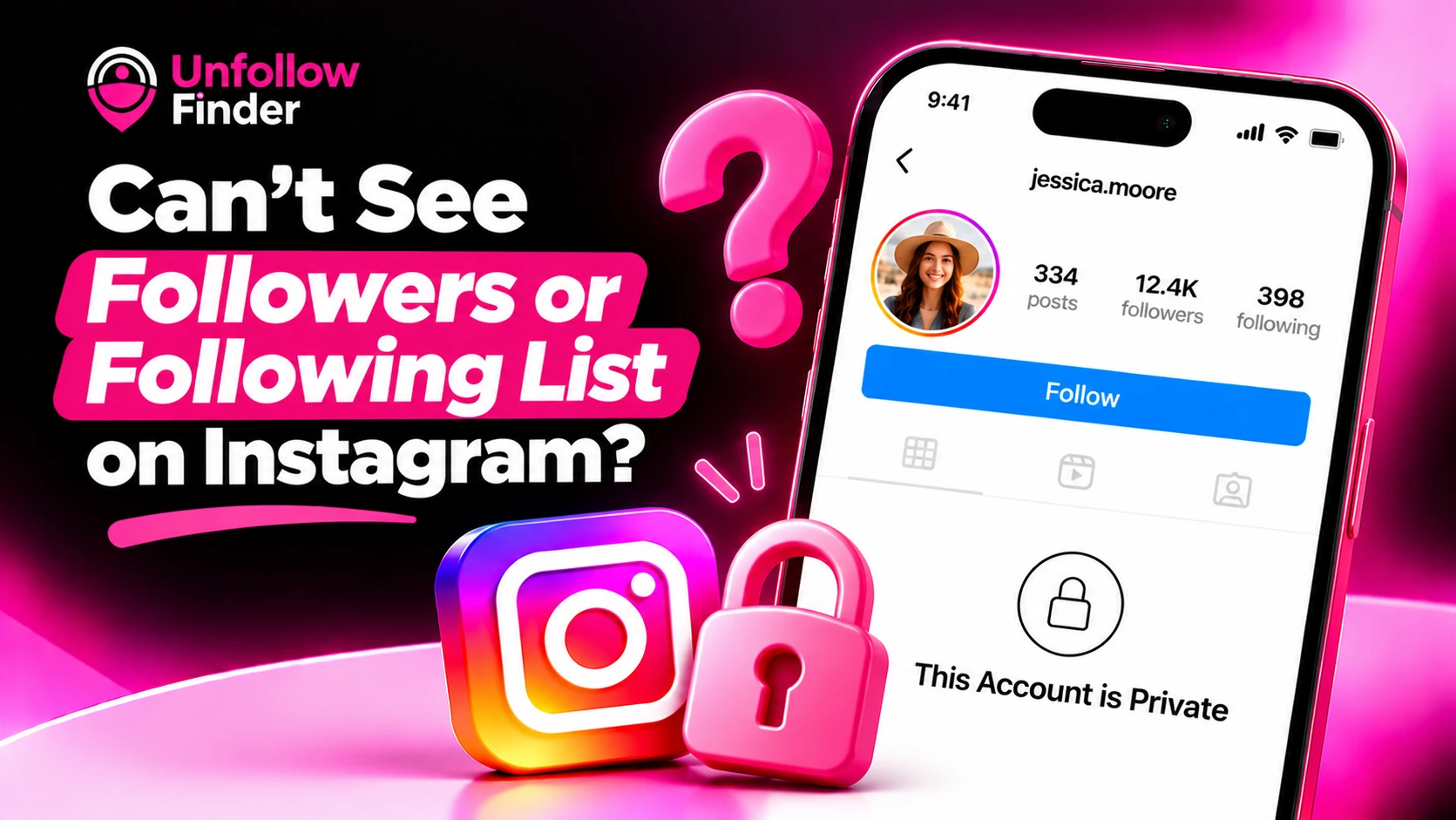
You tap someone's Followers or Following count and nothing happens. Or the list opens but shows only a handful of names. It's a common frustration, and there are only a few possible causes.
Reason 1: Their account is private
This is the most common reason. If an account is private and you do not follow its owner (or your request has not yet been accepted), you cannot see their posts, nor their list of followers or the accounts they follow. You will only see the corresponding numbers.
Solution: send a follow request. If it is accepted, the lists will become visible.
Reason 2: They blocked you
If someone blocks you, you can't see their profile at all, so their lists won't open either. You'll usually see "User not found" or an empty profile. See "User not found" on Instagram.
Reason 3: The list only shows some accounts
On very large lists, Instagram doesn't always show every account, especially to people who aren't logged in or on the web. It may show mutual follows first and load the rest slowly.
Fix: use the app while logged in, scroll slowly, and use the search bar inside the list to look for a specific name.
Reason 4: You're not logged in
On the web, Instagram often asks you to log in before it shows followers or following lists, even for public accounts.
Reason 5: A glitch or connection problem
If lists won't load on any profile, not just one, it's likely the app. Update Instagram, switch between Wi-Fi and mobile data, or try again later.
Quick check
| What you see | Most likely reason |
|---|---|
| Counts visible, lists won't open, "This account is private" | Private account |
| Profile won't load at all | Blocked, deactivated or deleted |
| List opens but seems incomplete | Large list, limited display |
| Lists won't load on any profile | Glitch or connection |
Can people hide their followers list?
Not on a public account. Public accounts always show their lists to logged-in users. The only real way to hide them is to make the account private. See how to hide your followers list on Instagram.
Avoid "private account viewer" apps
Apps and websites that promise to reveal the followers of a private account are, in reality, unable to do so. They often ask for your login credentials, flood your screen with advertisements, or prompt you to complete "surveys." At best, they waste your time; at worst, they expose your account to risks.
Seeing your own lists in full
Your lists of followers and the accounts you follow are always fully accessible by exporting your Instagram data. This is also how you can discover who isn't following you back.
Import the followers_1.json and following.json files into Unfollow Finder to identify in just a few seconds the people who aren't following you back. It's free, requires no login, and your files remain within your browser.