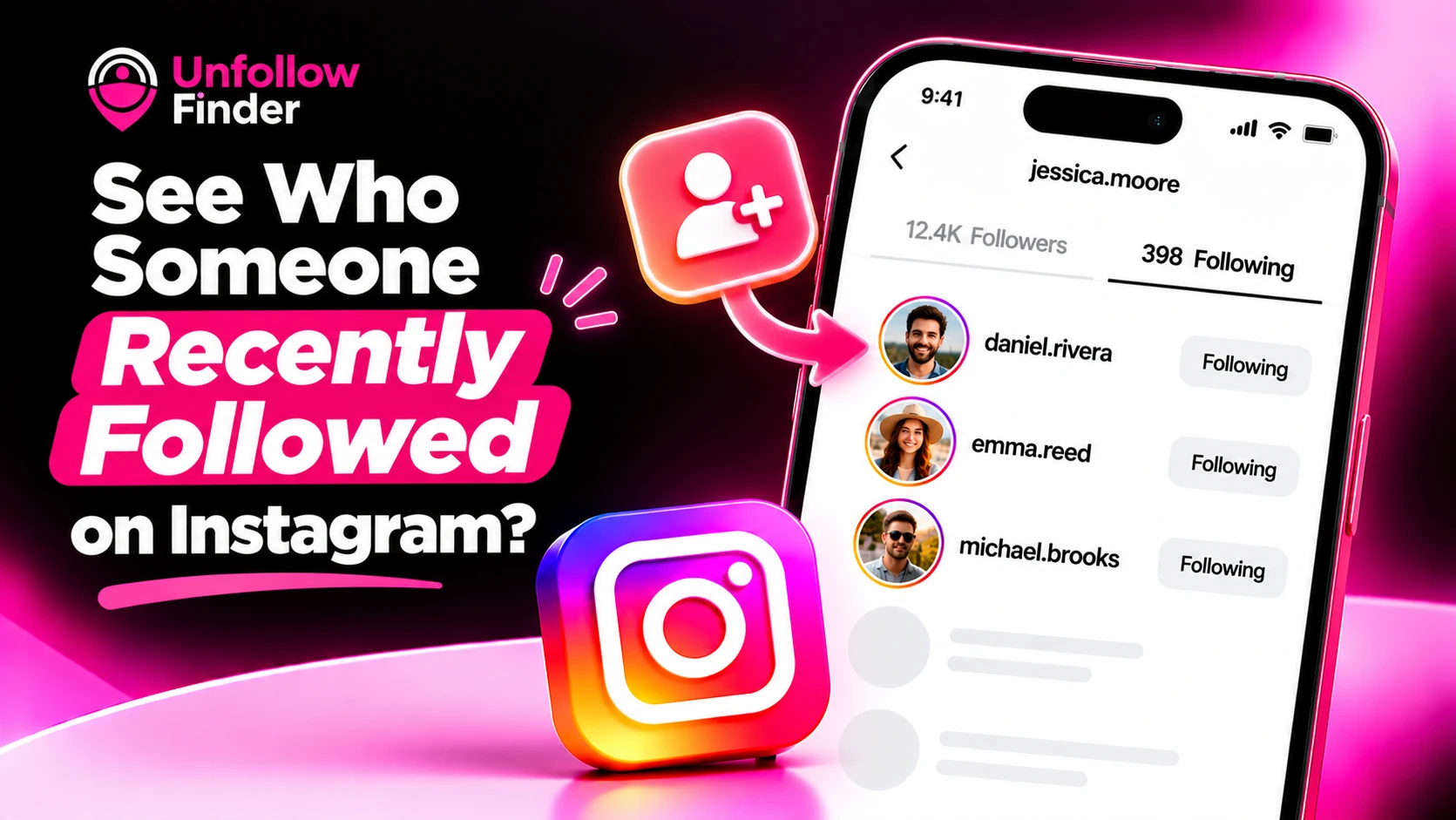
Are you wondering who a friend, partner, or competitor has recently started following? This is one of the most common questions about Instagram, and the answer is less straightforward than most guides suggest.
Here is what is actually possible, what isn't, and what you should avoid doing.
The short answer
Instagram does not provide a reliable list showing which accounts another user has followed recently. Although you can generally view someone's "following" list, it is not organized chronologically; therefore, it is impossible to know for certain which accounts were followed most recently.
However, for your own account, things are different: you can sort your lists by date. See how to see recent followers and following.
What happened to the Following tab?
Instagram once featured an "Activity" tab that allowed you to see what the people you follow were liking or which new accounts they were subscribing to. This feature was removed in 2019, partly because it was considered intrusive and often led to arguments. Since then, there has been no built-in way to view another person's subscriptions.
What you can still try
1. Look at the top of their Following list
Open their profile and tap Following. Some people find recently followed accounts near the top. But the order is set by Instagram and mixes in accounts you both know, so treat it as a hint, not proof.
2. Look for mutual follows
At the top of someone's lists, Instagram often shows accounts you both follow. If a new name appears there, it may be a recent follow, or just someone you recently followed yourself.
3. Watch their activity on posts
New follows often show up as likes or comments on that account's posts. It's indirect, but it's real activity you can see.
What doesn't work
- Private accounts: if their account is private and you don't follow them, you can't see their Following list at all.
- "Recent follow" tracking apps: these usually check public accounts over and over, or ask for your login. Some guess. Many break Instagram's rules, and apps that want your password put your own account at risk. See Is it safe to use Instagram unfollower apps?
- Asking the account to export their data: only the account owner can download their data, so this only works for your own account (or with their permission).
A healthier way to think about it
If you frequently check who someone follows, it might be worth asking yourself what you hope to find there. Following someone is not the same as maintaining a relationship, and the order of a list rarely reveals the full picture. When it comes to trust, a direct conversation is usually more effective than playing detective.
For your own account: track changes properly
If you truly want to track changes within your audience, for instance seeing who has started or stopped following you, you can do so with precision by using your own data export.
Import your followers_1.json and following.json files into Unfollow Finder to identify, in just a few seconds, the people who aren't following you back. It's free, no login is required, and your files remain within your browser.